
Starter
UnavailableFor forever
Free
40-day data retention
- Up to 7 users
- Up to 1 domain
- Up to 3 projects
- Up to 3 teams
- All core features
- Email support
Workforce analytics built for transparency at any scale—from 10 to 10,000 employees.
Onboard large teams in minutes & start tracking work hours & proof of work with full transparency. Built for teams that value trust as much as productivity.
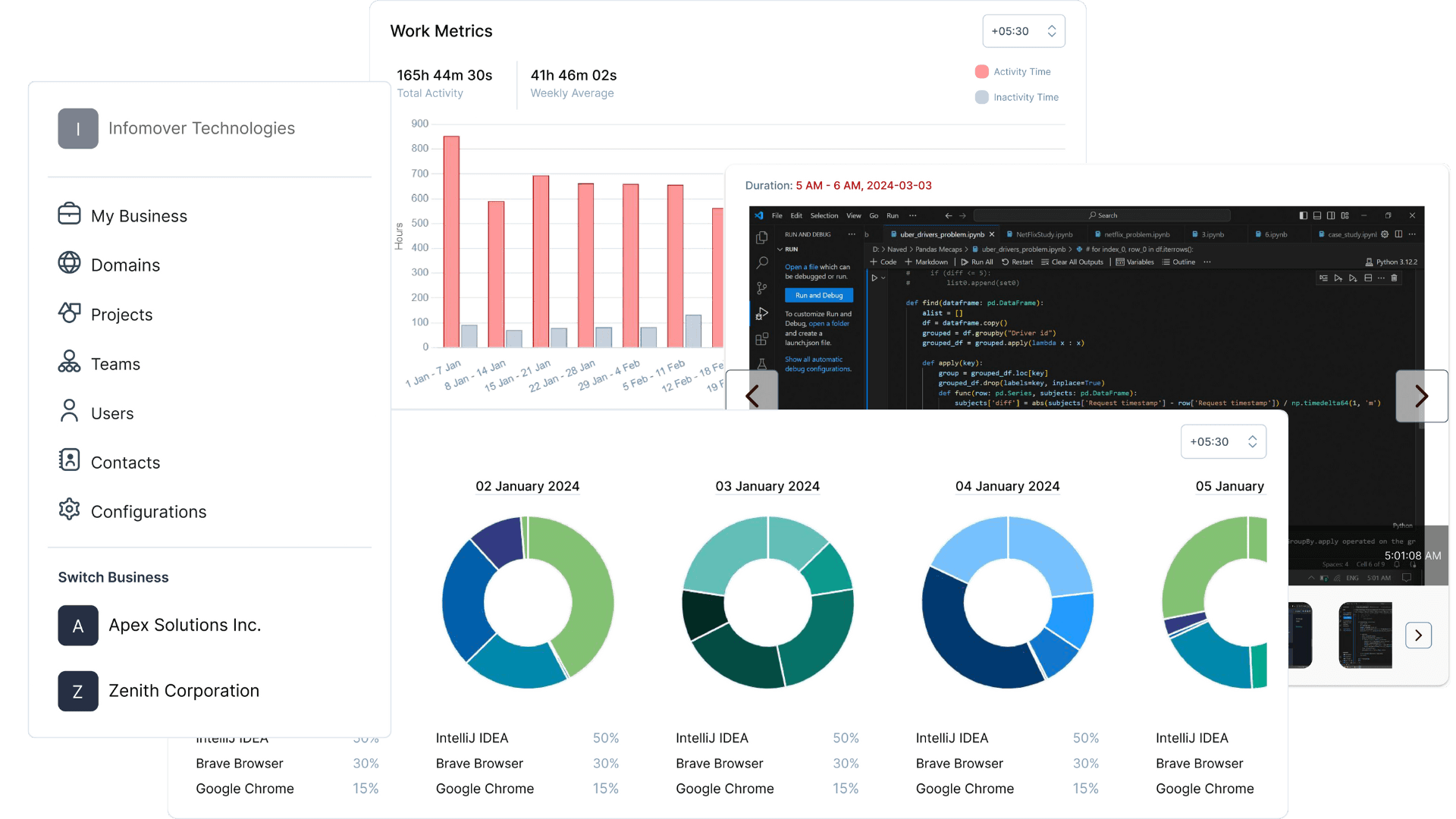
Unlike traditional monitoring tools that operate in the background, Productiviti shows employees exactly what's being tracked—activity logs, screenshot intervals, and app monitoring settings—all visible in their dashboard.
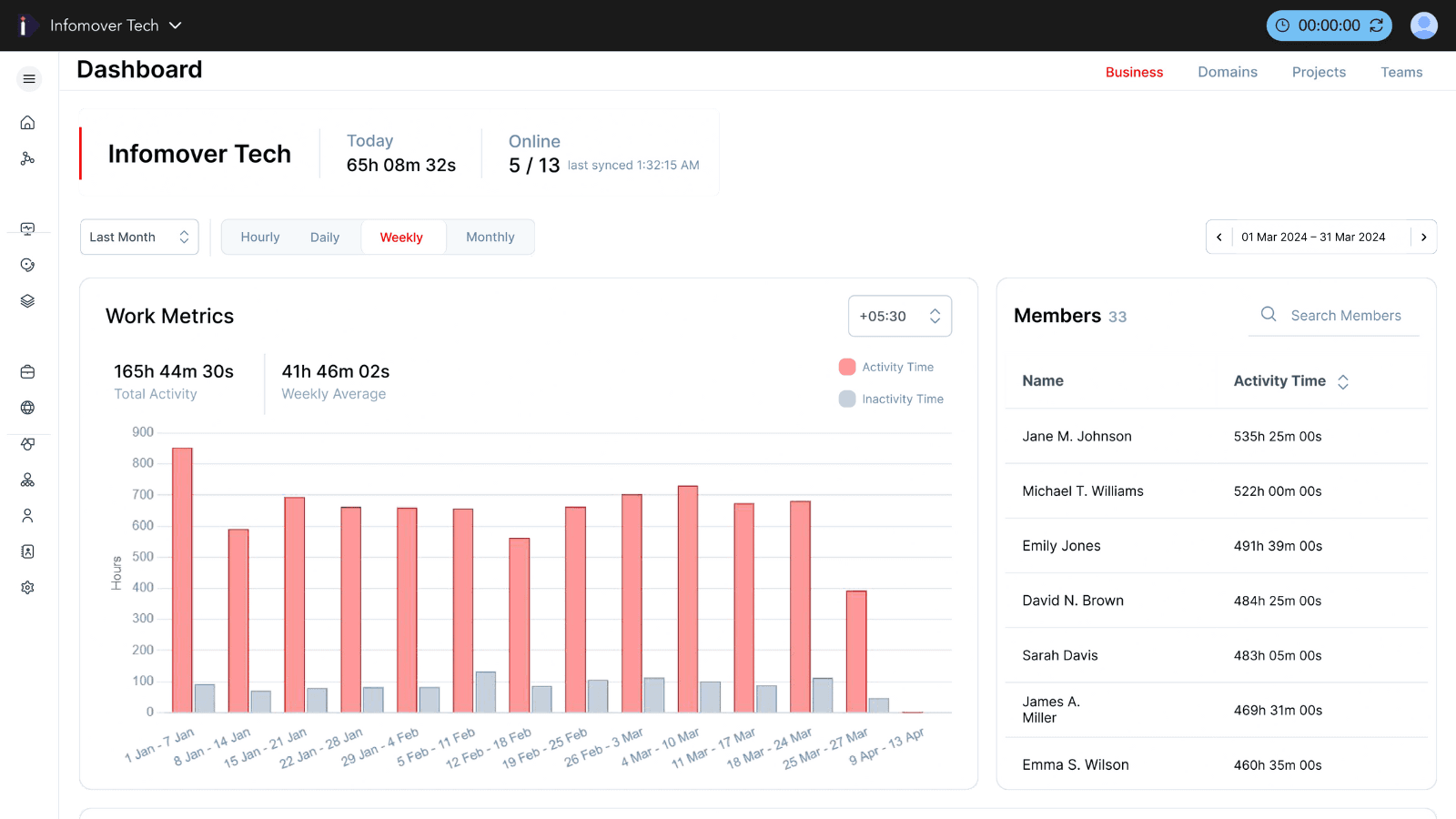
Capture work hours, app usage, and activity levels as factual data—structured by workspace, domain, team, and project—without productivity scores that reduce people to numbers.
Transparency creates accountability without resentment. When employees understand what's tracked and why, productivity insights strengthen culture instead of damaging it.
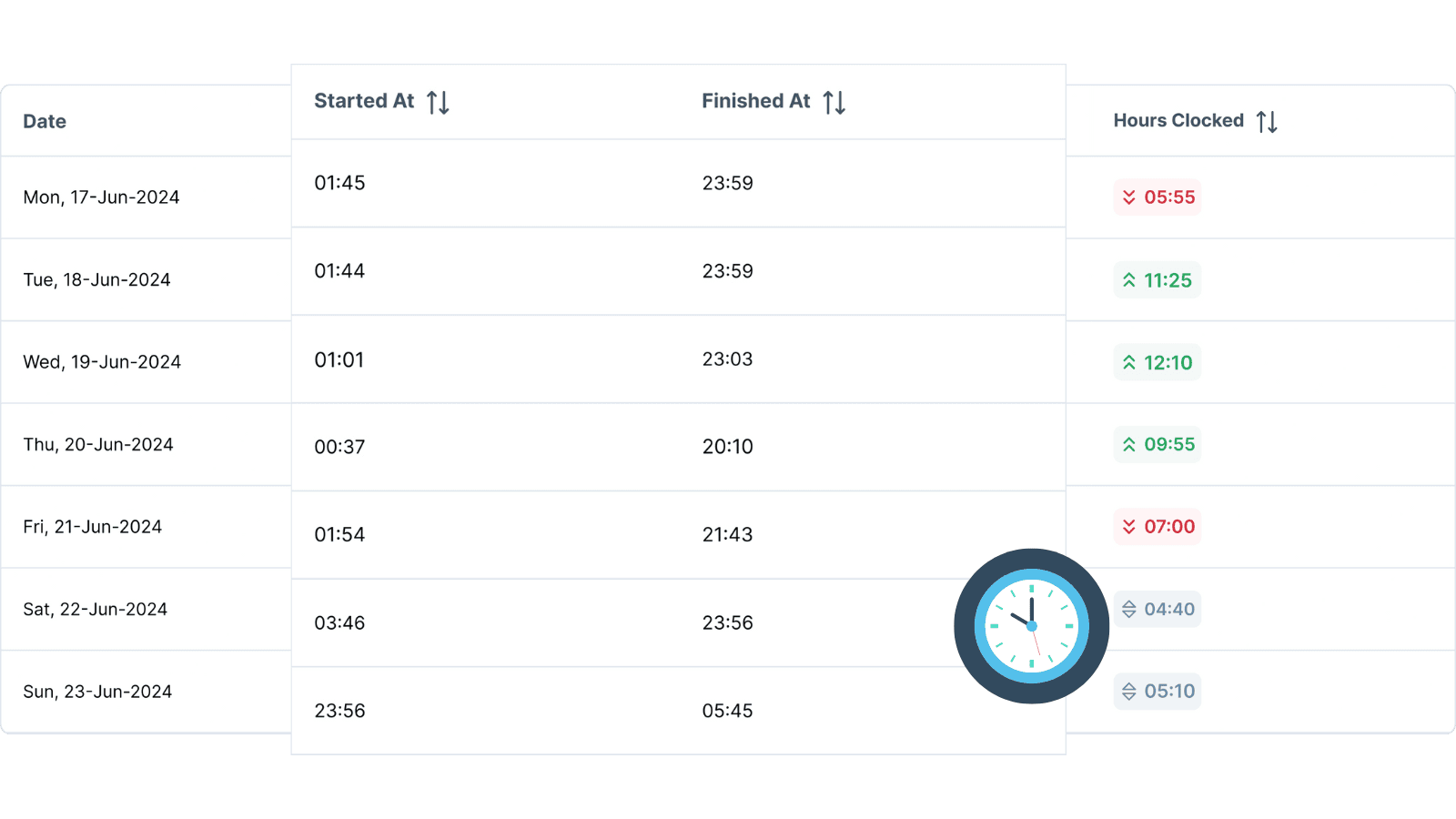
Attendance and work hours are derived from actual activity data—not manager estimates or manual entries. Employees can review their own data before it's submitted, ensuring accuracy and fairness.
Screenshots and app usage logs serve as execution evidence, not gotcha moments. Employees control their activity logger and can see the exact capture intervals you've configured.
Employees can open a real-time dialog showing every event logged—screenshots captured, apps tracked, activity thresholds, and config syncs. This level of transparency is unmatched in the workforce analytics market.
Every employee can see their own logger config: screenshot intervals, activity thresholds, what's tracked and what isn't. No surprises, no hidden settings.
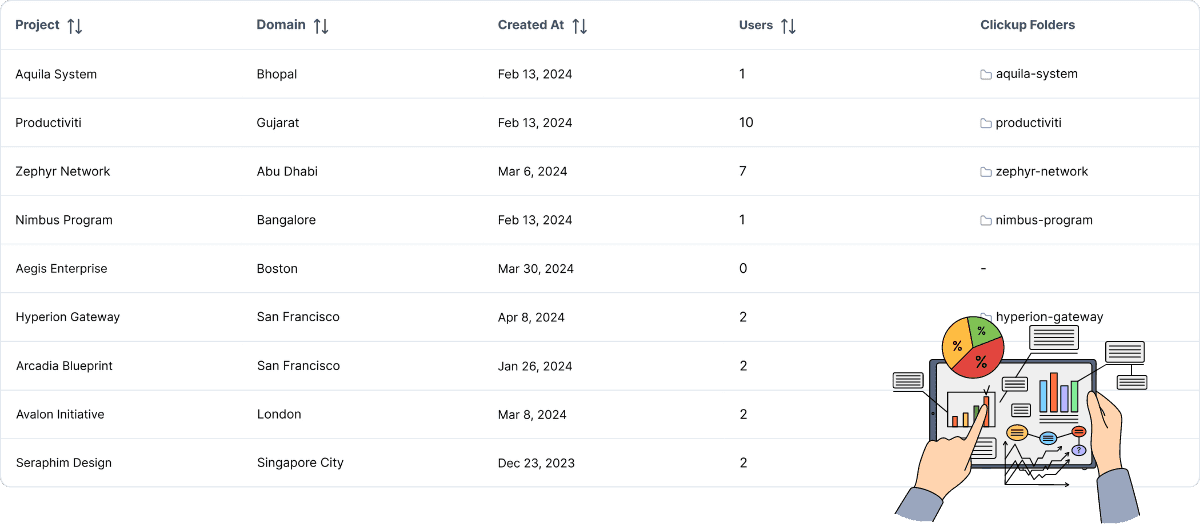
Create unlimited workspaces for different clients, departments, or business units. Each workspace has its own transparency settings, giving you flexibility without compromising trust.

Unlike single-workspace tools built for freelancers, Productiviti scales to enterprise complexity—multiple workspaces, cross-functional domains, and project hierarchies—while maintaining transparency at every level.
Add 1,000 employees with a single email domain rule. Transparency settings apply automatically, ensuring new hires know exactly what's tracked from day one.
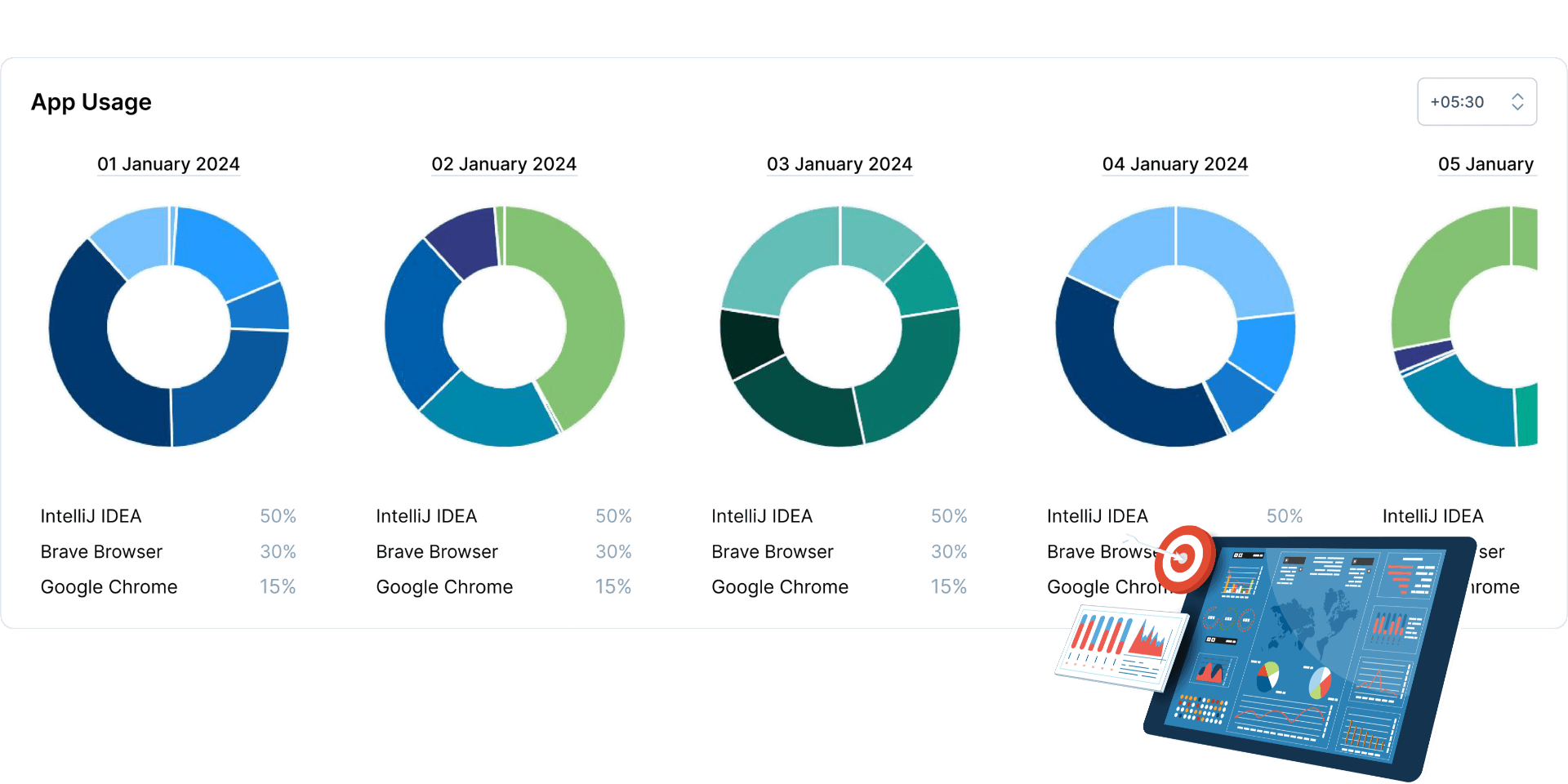
View work patterns and activity trends at the team level without reducing individuals to productivity percentages. Transparency means showing data without weaponizing it.
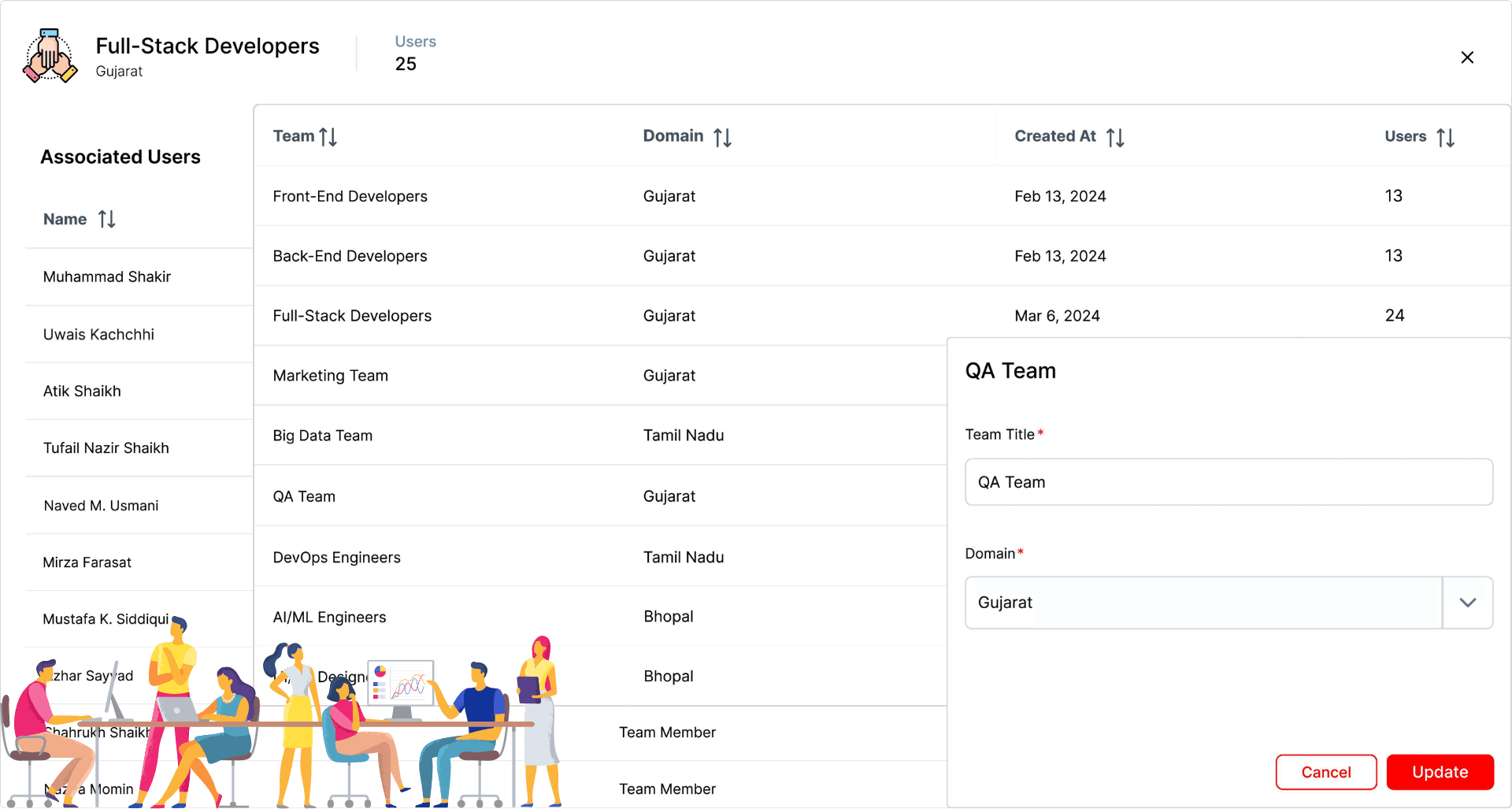
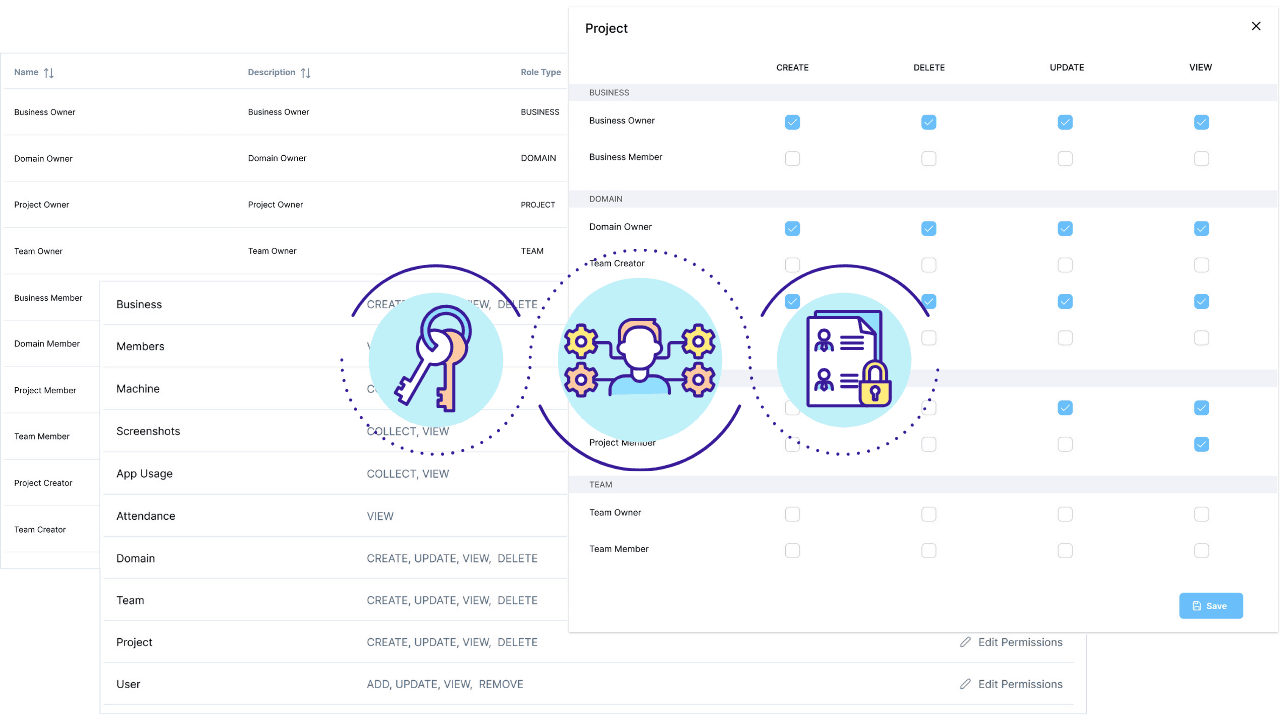
Define workspace owners, domain admins, project managers, and team leads—each with specific access rights. Employees know exactly who can see their data, maintaining trust while protecting privacy.
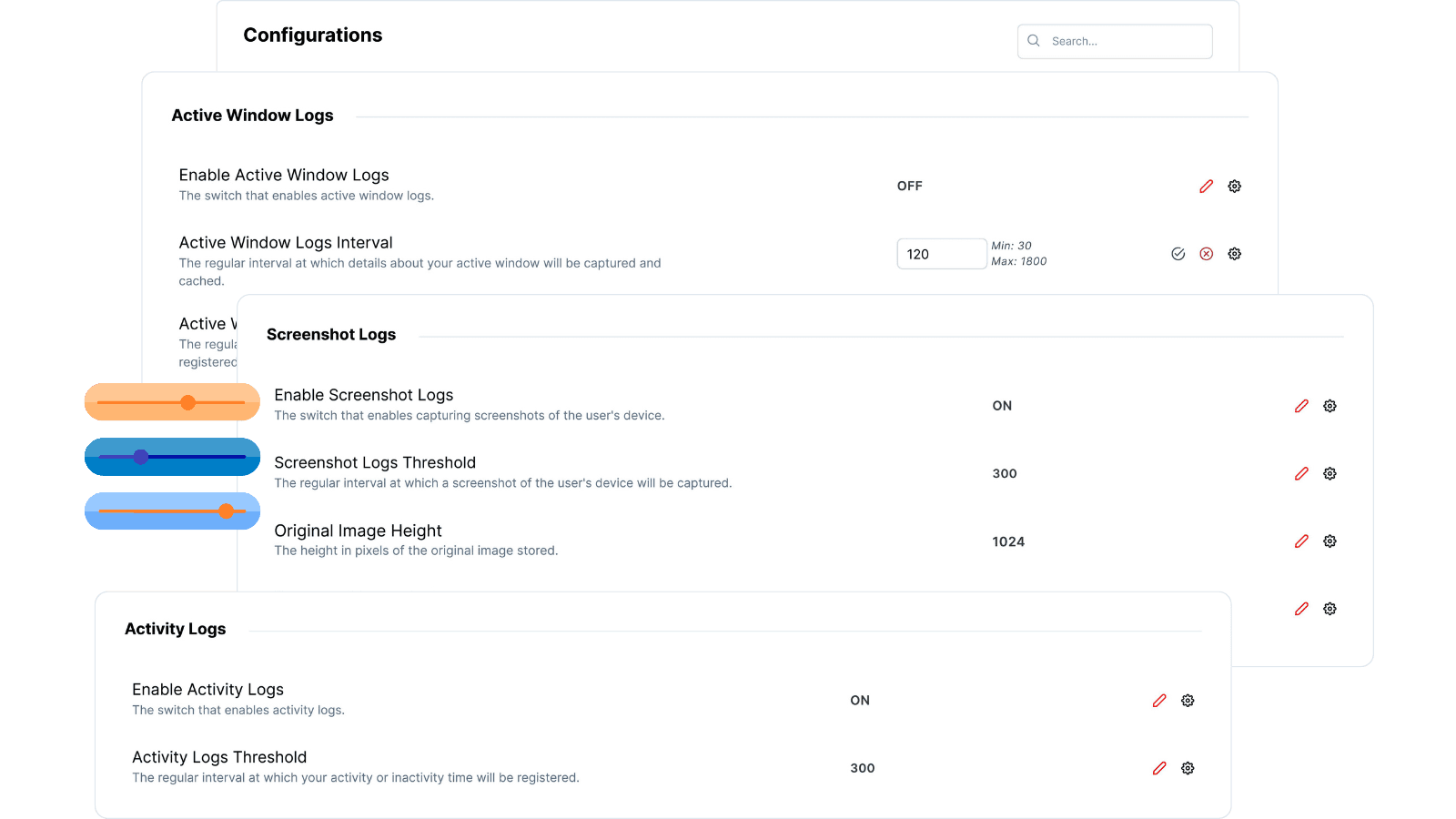
Set activity thresholds, screenshot intervals, and app tracking at workspace level—then customize for specific domains, projects, teams, or individuals. Every employee sees their exact configuration.
Turn off screenshots, disable app tracking, or adjust activity windows based on your culture and compliance needs. Whatever you choose, employees see the same settings you do.
Track RAM, hard disk, serial numbers, and machine configurations for IT asset management—not employee monitoring. Employees can see what system data is captured, maintaining transparency across all features.

For forever
For growing teams and agencies
For large organizations
For organizations that require data residency
Starts from

